The twelve files from PigeonHole's own test run. Pick one to see where it goes.
Downloads,
Documents/Contracts
- Brightline_offer_letter_signed.docxcontent 0.64
Documents/Finance
- Invoice-2026-0412.pdfcontent 0.65
Documents/Learning
- lecture-07-notes.mdcontent 0.61
Documents/Personal
- booking-confirmation.htmlcontent 0.59
Documents/Work
- standup notes.txtcontent 0.75
Downloads/Installers
- LM-Studio-0.4.26-arm64.dmgrule
Pictures/Design
- The Beach.heicpicture 0.92
Pictures/Photos
- Big Sur Coastline.heicpicture 0.86
- IMG_4107.heicpicture 0.82
Pictures/Screenshots
- Screenshot 2026-10-18 at 12.01.44.pngrule
Left where they are
- IMG_4021.heicPhotos? 0.41
- Radial Blue.heic0.35
Nothing has moved yet.
PDFs, Word files, slides and notes are read for what they say by BGE small, a compact text model, then matched with the folders you described.
Reads your documents
CLIP, a small vision model from OpenAI, looks at each photo and moves it only when it is at least half sure. The Big Sur coast went to Photos at 0.86.
Sees your pictures
IMG_4021.heic scored 0.41 for Photos, under the bar, so it stayed in Downloads with its best guess shown. A chat model on your own machine can take a second look, if you want one.
Leaves the unsure ones
Installers go to Installers and screenshots to Screenshots without any AI. Add your own rules by file type or name.
Rules go first
Pro · $24 once · free for 14 days
Pro does the rest.
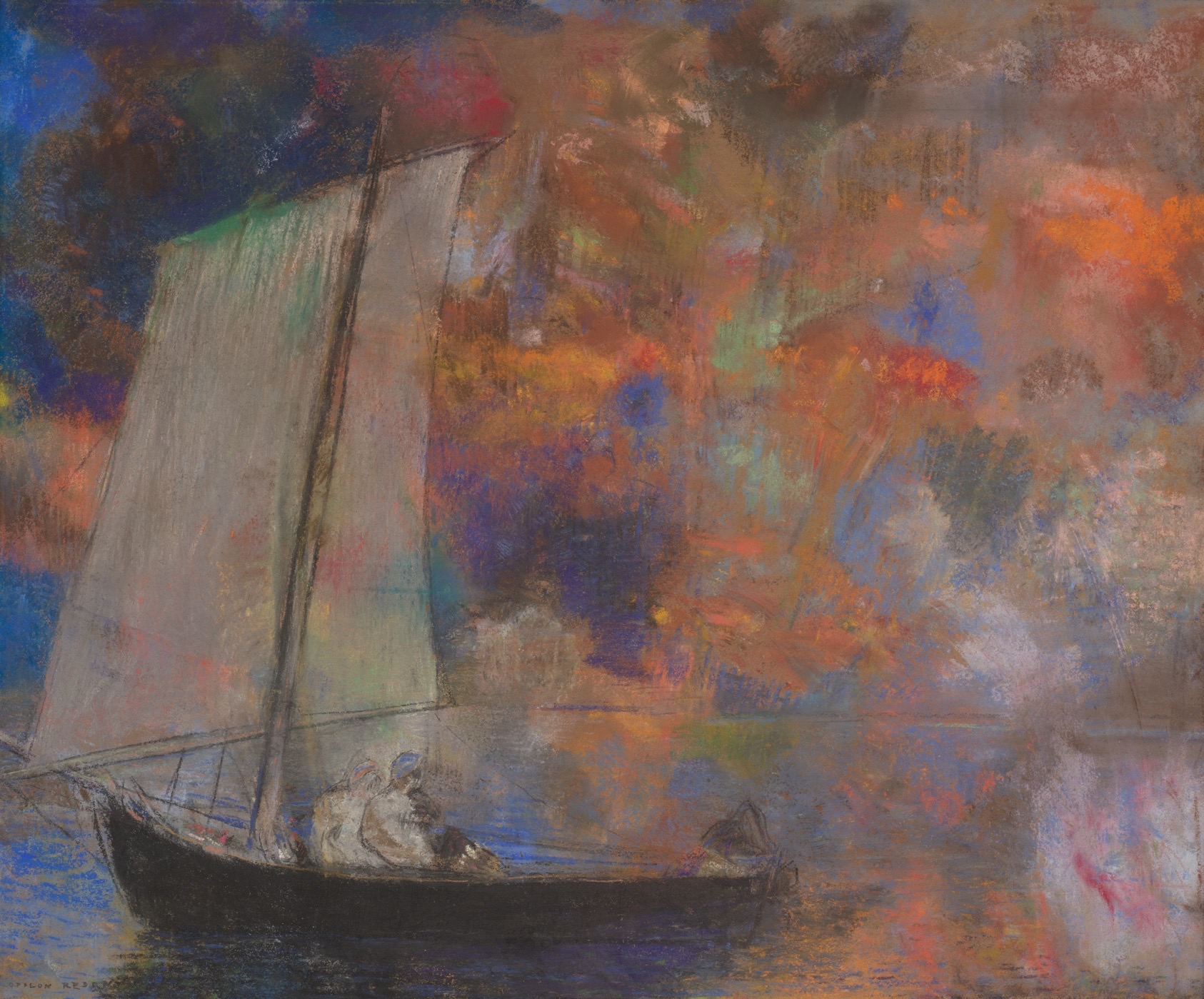
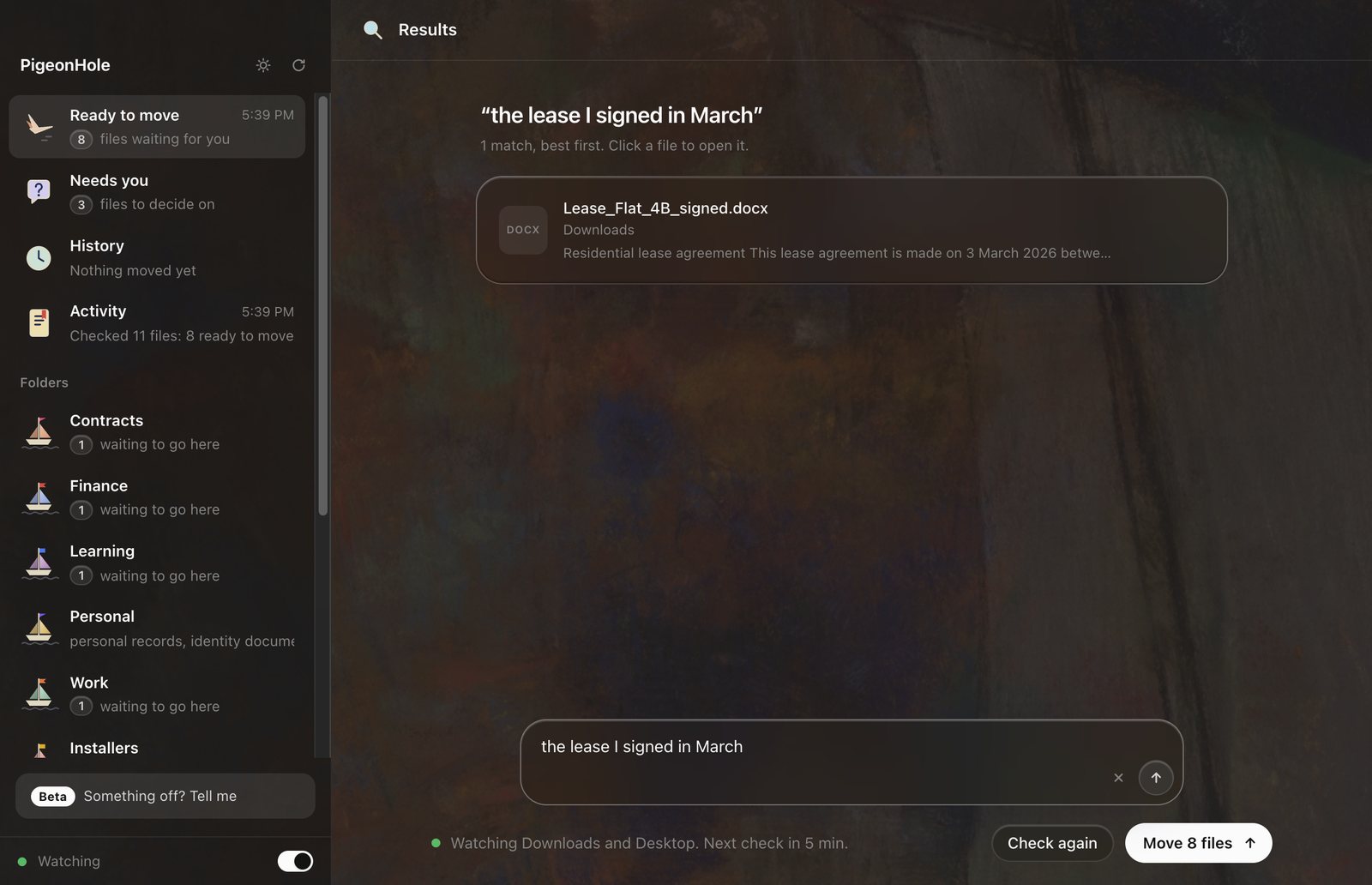
An animation of six Pro features. Typing “the lease I signed in March” finds the signed lease, and “a painting of a boat at sea” finds Redon's Flower Clouds. Over another app, Control + Space opens a search; typing “invoice from kiln studio” finds the invoice and Return opens it. With Autopilot on, files arriving in Downloads go to Contracts, Finance and Photos by themselves, and a photo it isn't sure about waits. A Finance folder sorts its files into Invoices, Receipts, Tax and Bank statements, then by year, then by kind. Scans named scan_0042.pdf and Document (3).pdf get names from their first lines. iCloud Drive joins the watched folders, and a photo arriving there goes to Photos once it has finished arriving.
Light or dark, on a painting that drifts.
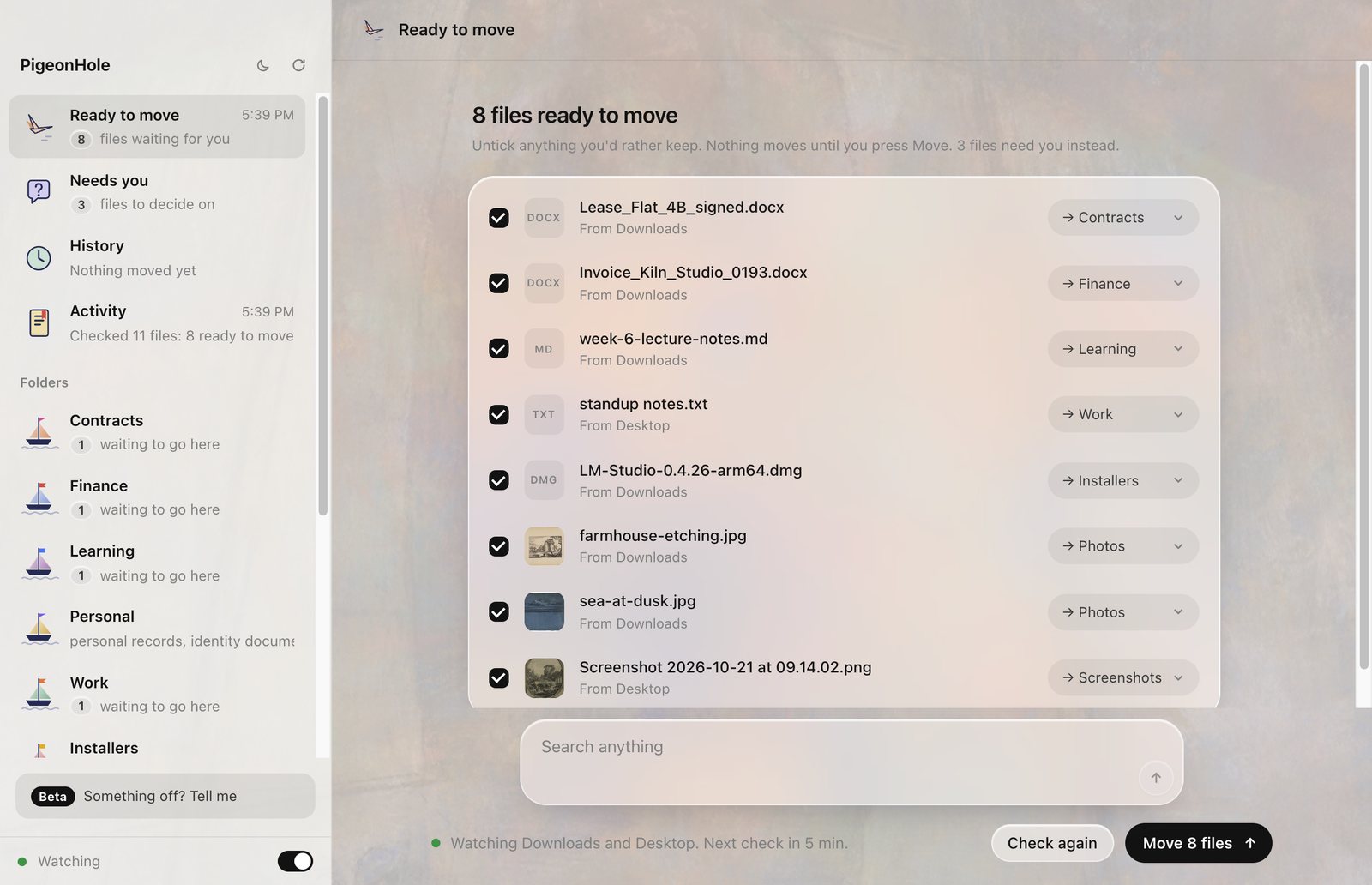
First, describe your folders.
In plain words, when you set it up. A few concrete examples help more than one abstract word.
Your folders

Documents/Contracts
  contracts, offer letters, NDAs,
  leases and signed documents
Documents/Finance
  invoices, receipts, bank
  statements, tax forms and bills
Pictures/Photos
  photos of people, pets,
  animals, places, nature and trips
Checked 12 files in Downloads and Desktop
10 ready to move
Brightline_offer_letter_signed.docx
to Contracts by what it says
Invoice-2026-0412.pdf
to Finance by what it says
LM-Studio-0.4.26-arm64.dmg
to Installers by your rule
and 7 more
2 need you
IMG_4021.heic best guess Photos
Nothing has moved yet.10 files ready to move
You unticked nothing. Move 10 files.
Moved 10 files. UndoHistory
Put back 10 of 10 files.
The folders it made are gone again.Nothing moves
until you say yes.
Safety
- Checkingreads onlynothing moves
- Movingonly what you tickedonce
- Undoevery file back, names tooone click
- Autopilotoff until you switch it onPro, undoable
- Overwritesneverreceipt (1).pdf
- Hidden filesleft alonealways
- Downloads in progressleft aloneunder 2 minutes old
- Keys, certificatesleft alone.pem .key .p12
- Code projects, appskept whole.git .app
- Your filesstay on your computer0 bytes uploaded
- Licence checkyour key, about weeklynothing else sent
- Text modelBGE small, on your processor65 MB, once
- Picture modelCLIP ViT-B/32, for pictures and video frames580 MB, once
- Sound modelEmbeddingGemma 2, for recordings and videos690 MB, only if you have them
- Second opinionany chat model, optionalLM Studio or Ollama
Free to sort.
Pro for the rest, once.
Free
$0
For as long as you like.
- Sorts your Downloads and Desktop
- Shows every move and asks first
- Undo, every time
- Finds files by name
Pro
$24
Once, inside the app. Yours to keep, with a year of updates. Try it free for 14 days first.
- Search by what's inside: documents, pictures, recordings
- Control + Space search from any app
- Autopilot moves what clearly fits
- Neat inside every folder: by topic, date, A to Z or kind
- Clear names for scans and photos
- Watches any folder, iCloud Drive too
Team
$20 a person
Once, for every Mac on your team.
- Pro on every Mac, yours to keep
- A team page to invite everyone
- Re-key or remove anyone who leaves
- Optional Cloud Backup: $3 a person a month, 100 GB each
Coming soon
Pro is bought inside PigeonHole, not on this site: when your 14 days are up, choose Get Pro in its sidebar. Bought Pro already? Sign in with Apple to turn it back on on a new Mac.
Give your Downloads a home.
PigeonHole is an app for your Mac. Install it like any other app; it walks you through the rest.
- Download itTwo versions: Apple Silicon (M1 and later) and Intel. Not sure which Mac you have? Apple menu, then About This Mac: it says Chip: Apple M… or Processor: Intel.
- Drag it into ApplicationsOpen the file you downloaded and drag PigeonHole onto the Applications folder.
- Open itFrom Applications, like any other app. It's signed and checked by Apple, so it simply opens.
- Private by design
- Free, or Pro for $24
- Since 2026
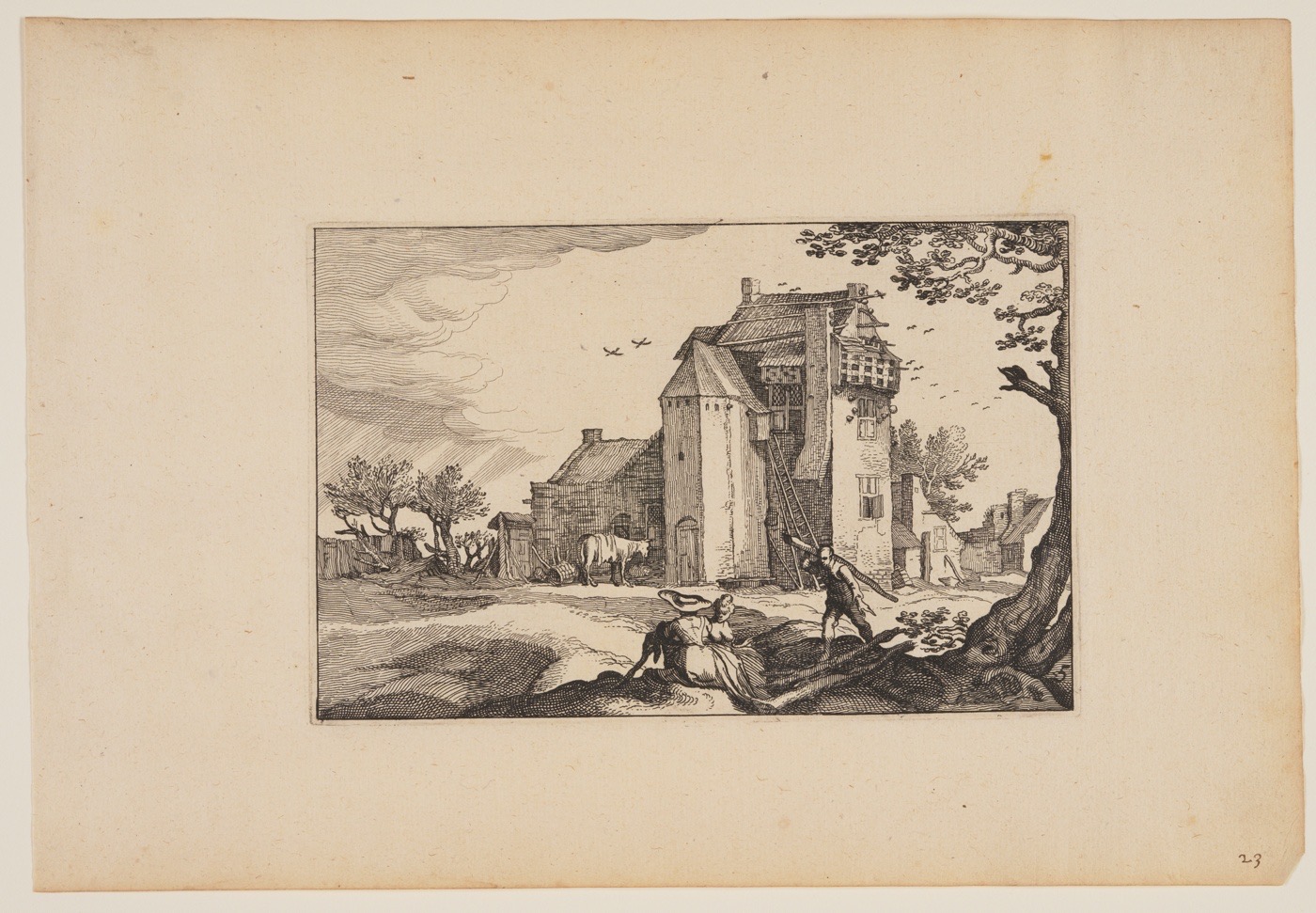 PigeonHole takes its name from the dovecote. Before the word meant a slot in a writing desk or a post office sorting frame, a PigeonHole was a nesting hole, one for every bird, and each bird flew home to its own. This one is for files. It is a Mac app, made in 2026 by Seymur Mammadov.
The paintings and prints on this page are public domain, from the Art Institute of Chicago. The drop capital is Farmhouse with Dovecotes by Claes Jansz. Visscher, 1620.